Product architecture

Core keeps the production steady. Labs lets the system reach further.

Conduit is organized around two clear modes: Core for the dependable script-to-production workflow, and Labs for advanced tools that can evolve without disrupting daily work.

Core

The dependable workspace for real project work.

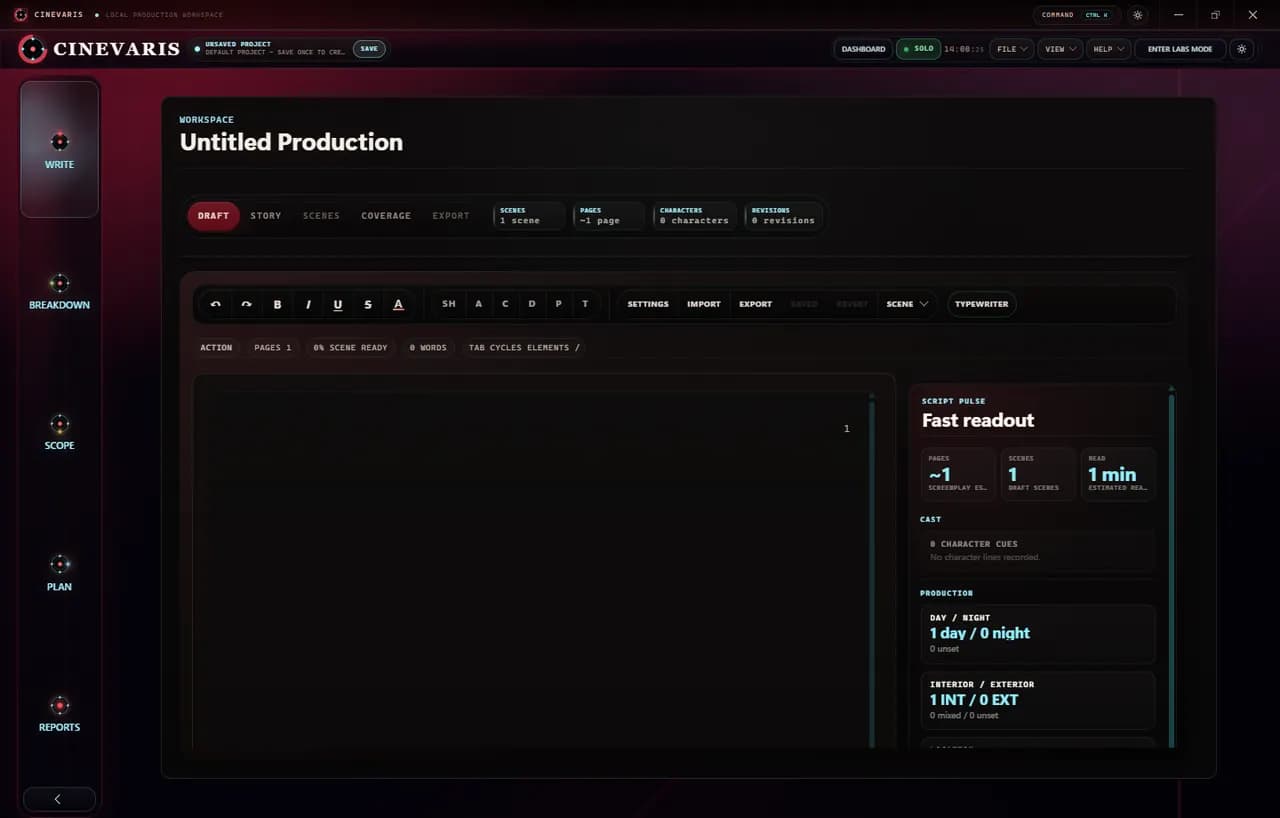
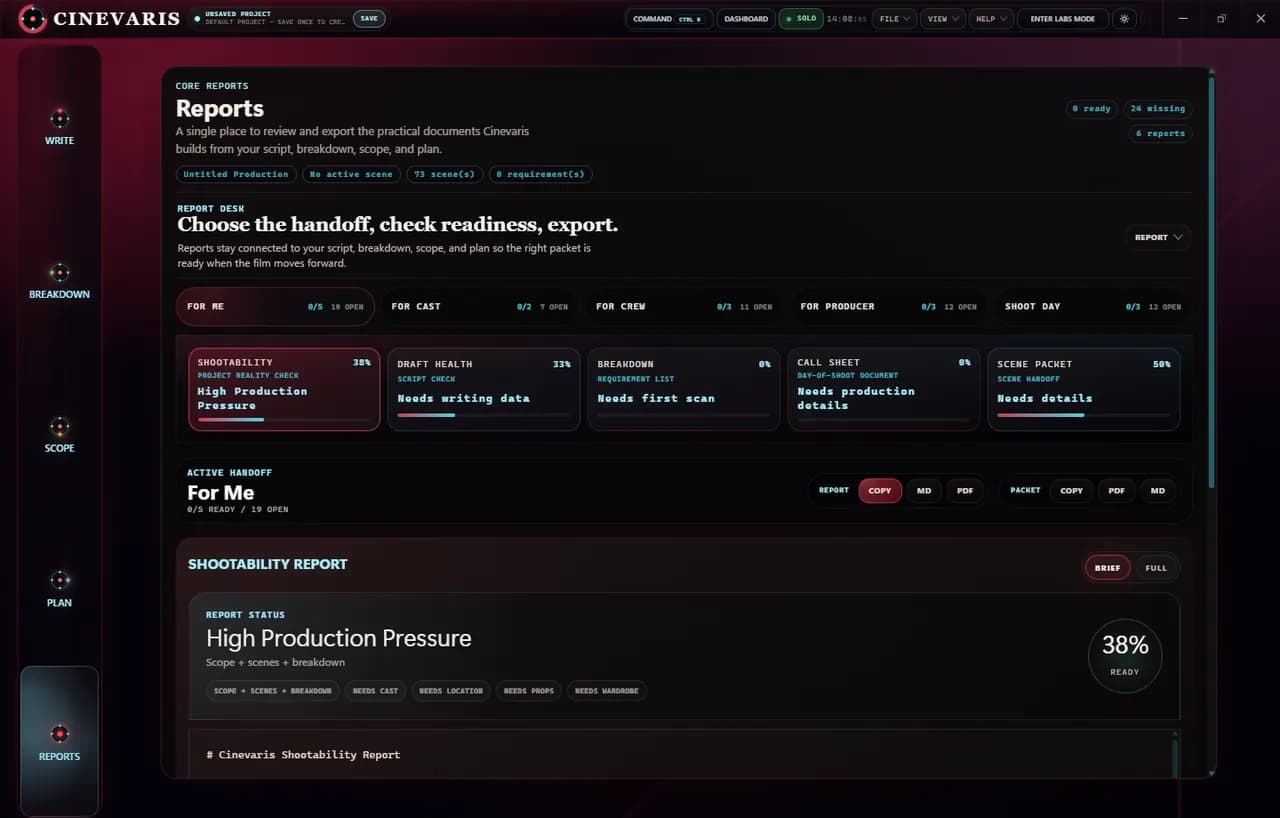
Core is the everyday Conduit surface. It is where the writing, scene planning, production context, and local project workflow stay stable enough to use on an actual production.

Use Core when the job is writing, organizing, checking, revising, exporting, and keeping the project understandable.
Labs

The experimental layer for deeper production intelligence.

Labs is where Conduit can test advanced planning, inspection, technical handoff, and automation ideas without making the core workflow feel unstable or overbuilt.

Use Labs when you want deeper analysis, richer shot planning, technical handoff workflows, or experimental production assistance.
Core

The dependable workspace for real project work.

Core is the everyday Conduit surface. It is where the writing, scene planning, production context, and local project workflow stay stable enough to use on an actual production.

Writing spine

Screenplay work stays connected to production meaning.

Core keeps the draft, scenes, summaries, tags, and revision context close together so the script does not become detached from the rest of the project.

Scene planning

Scenes become a working board, not a separate spreadsheet.

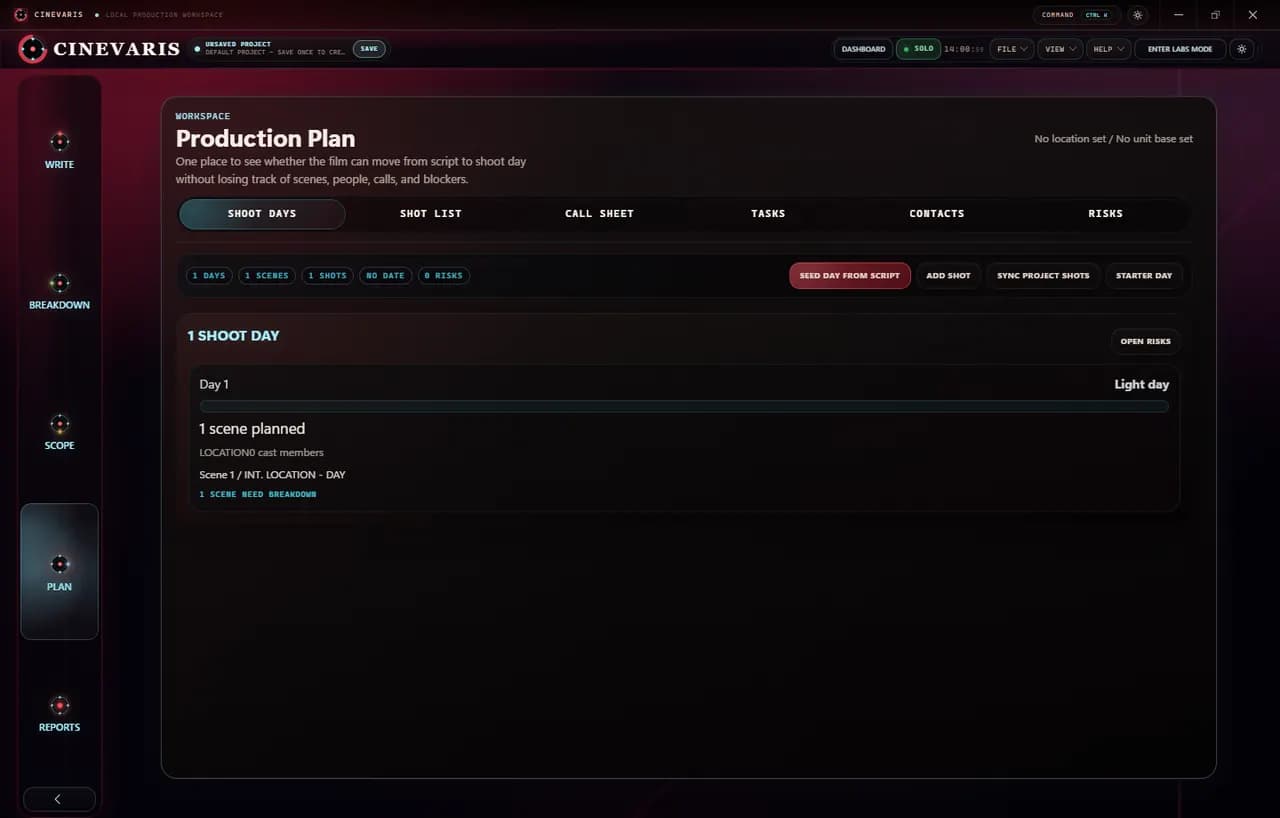
Scene-level planning gives the production a practical place to track readiness, intent, notes, and what needs attention next.

Production context

Daily project state remains visible while you work.

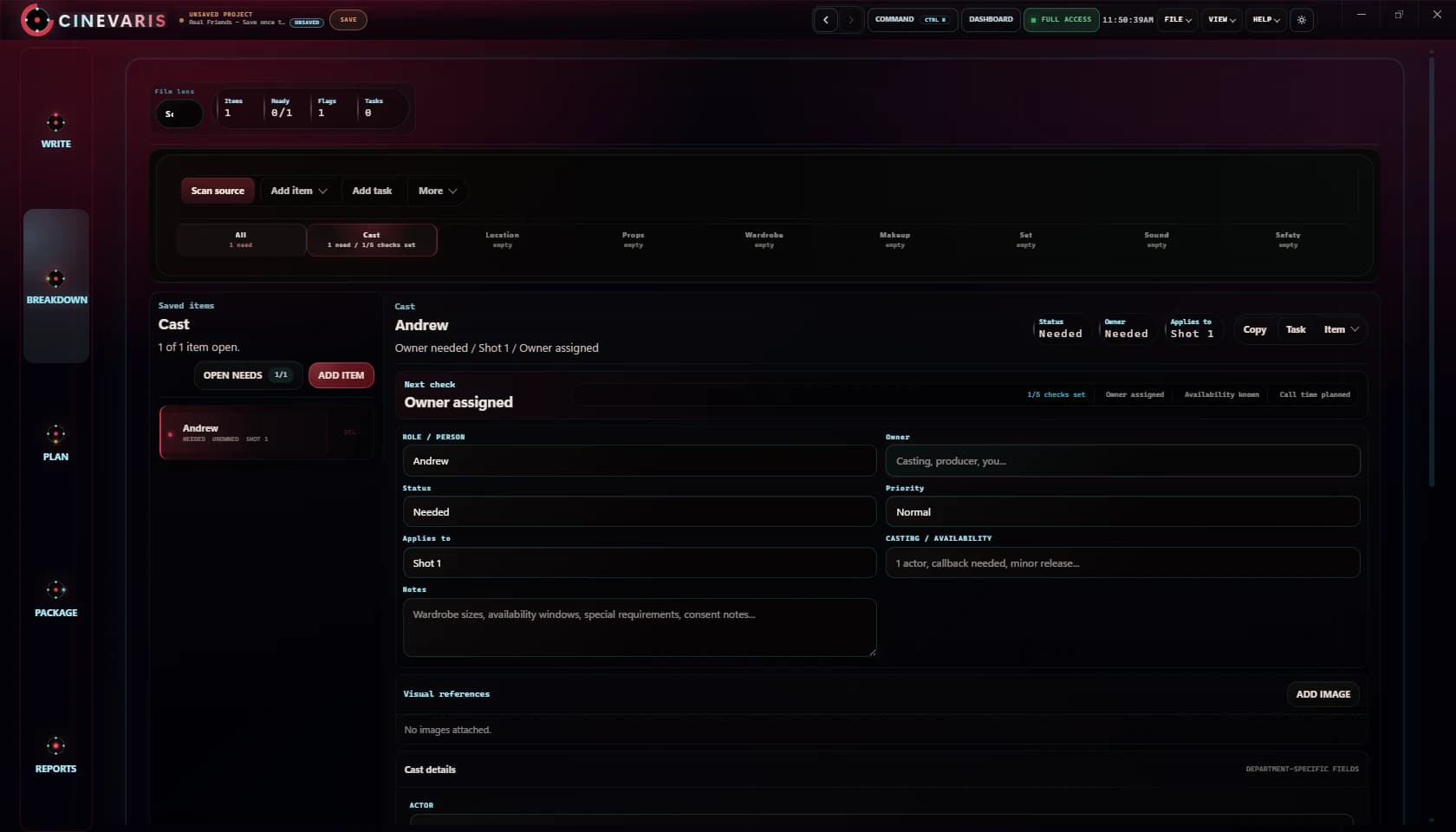
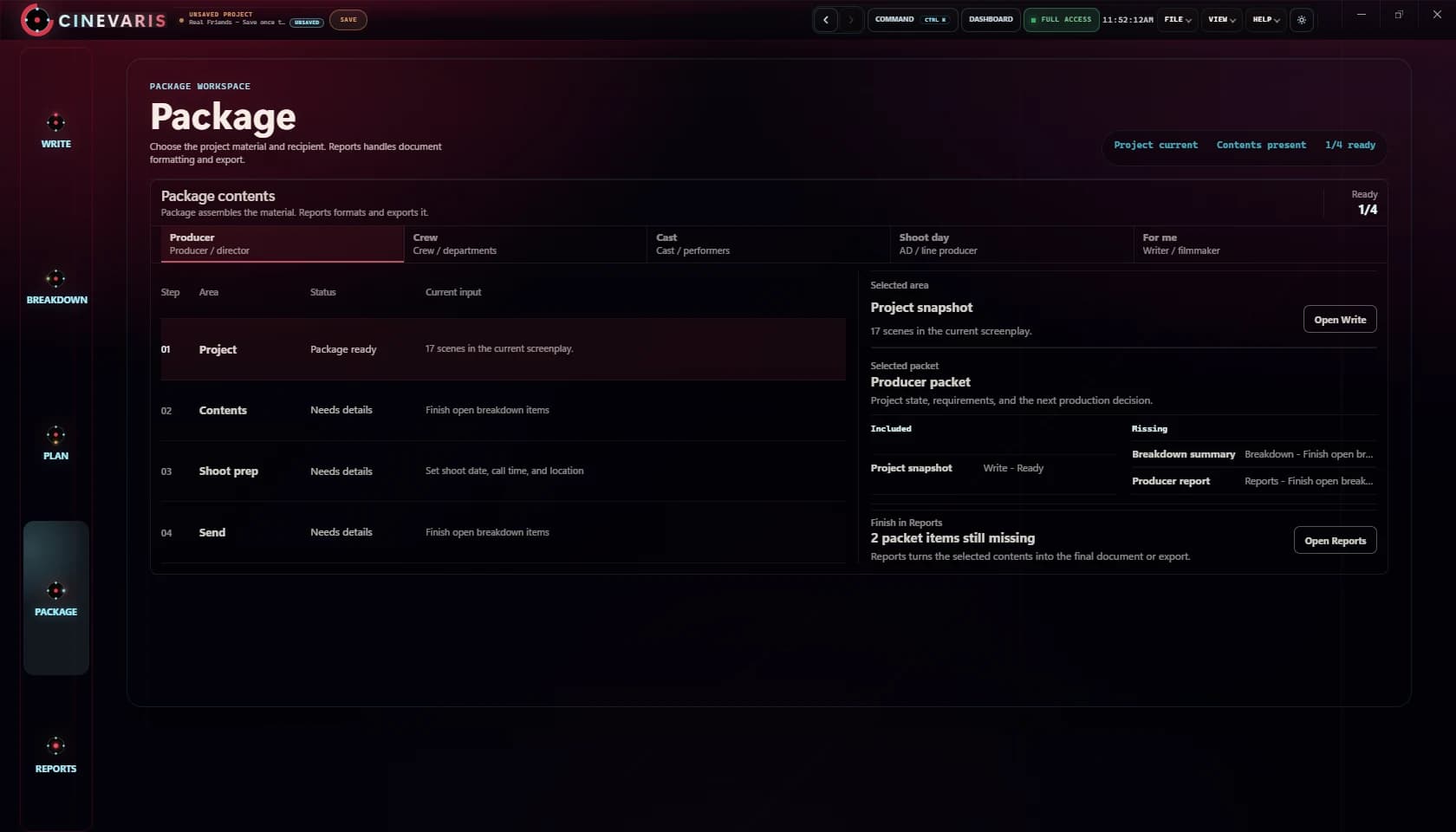
The goal is a calm operating surface for breakdowns, deliverables, reminders, exports, and production state without forcing users into scattered tools.

Local-first control

Project work belongs on the desktop unless a feature says otherwise.

Core is designed around local project ownership, desktop reliability, and account-based permissions that keep installer access separate from paid app permissions.

Labs

The experimental layer for deeper production intelligence.

Labs is where Conduit can test advanced planning, inspection, technical handoff, and automation ideas without making the core workflow feel unstable or overbuilt.

Advanced panels

Specialized tools can grow without crowding the main workflow.

Labs gives advanced surfaces a place to live while Core remains focused on the dependable writing and production spine.

Technical handoff

Advanced production paths stay optional and purposeful.

Labs can support inspection, validation, and technical follow-through when a production needs them, without becoming required for basic project planning.

Production intelligence

Richer checks and suggestions can be tested carefully.

Labs is the right place for higher-depth analysis, generated assistance, scene diagnostics, and planning experiments that should prove themselves before becoming core behavior.

Future headroom

Experimental work has a clear boundary.

Separating Labs from Core makes it easier to expand Conduit ambitiously while keeping the main product understandable, reliable, and production-safe.

The workflow is the product.

Conduit is strongest when one filmmaker or a small team needs the writing surface, the scene board, and the production plan to stay aligned instead of being passed across disconnected tools.

01
Write

Build the draft where production decisions actually begin.

Conduit starts with screenplay structure, scene intent, revisions, and planning context instead of splitting writing away from the rest of the job.

02
Scenes

Turn the draft into a board the production can operate from.

Keep summaries, tags, shot readiness, and linked work visible at the scene level so the next decision is obvious instead of hidden in notes.

03
Production

Track the practical state of the project without leaving the draft.

Breakdown, revisions, deliverables, and production status live in the same system so the screenplay remains the source of truth.

04
Bridge

Open Labs bridge tools only when the production actually needs them.

Bridge workflows are there for inspection, validation, and technical follow-through, not as a requirement for basic writing or planning.

Features - Conduit Studio