Try your existing screenplay
Import and check a screenplay
You do not need to move your whole production to try Cinevaris. Start with a copy of your draft in a separate project. This walkthrough requires app access; check the current offer first.
Choose the file you bring
This transfers a screenplay, not another app's complete project. Schedules, shot lists, comments, and tagged breakdowns need separate review and setup. Keep using your current tool until you have checked the copy in Cinevaris.
Prefer FDX if your writing app exports it: it carries screenplay paragraph types. Fountain is another supported, editable text format. Plain text and text-based PDFs are also supported, but inferred formatting needs checking. Scanned image-only PDFs need conversion to text first. Convert Word files to a supported format; renaming a file does not convert it.
Coming from StudioBinder? Its screenplay download guide describes opening screenplay settings, choosing Download PDF, then downloading the file. This brings the screenplay, not your StudioBinder schedule, comments, contacts, or tagged breakdown.
| Keep a copy | Export your screenplay from your current writing tool. Keep that original and its production files. Try the copy in a separate Cinevaris project. |
|---|---|
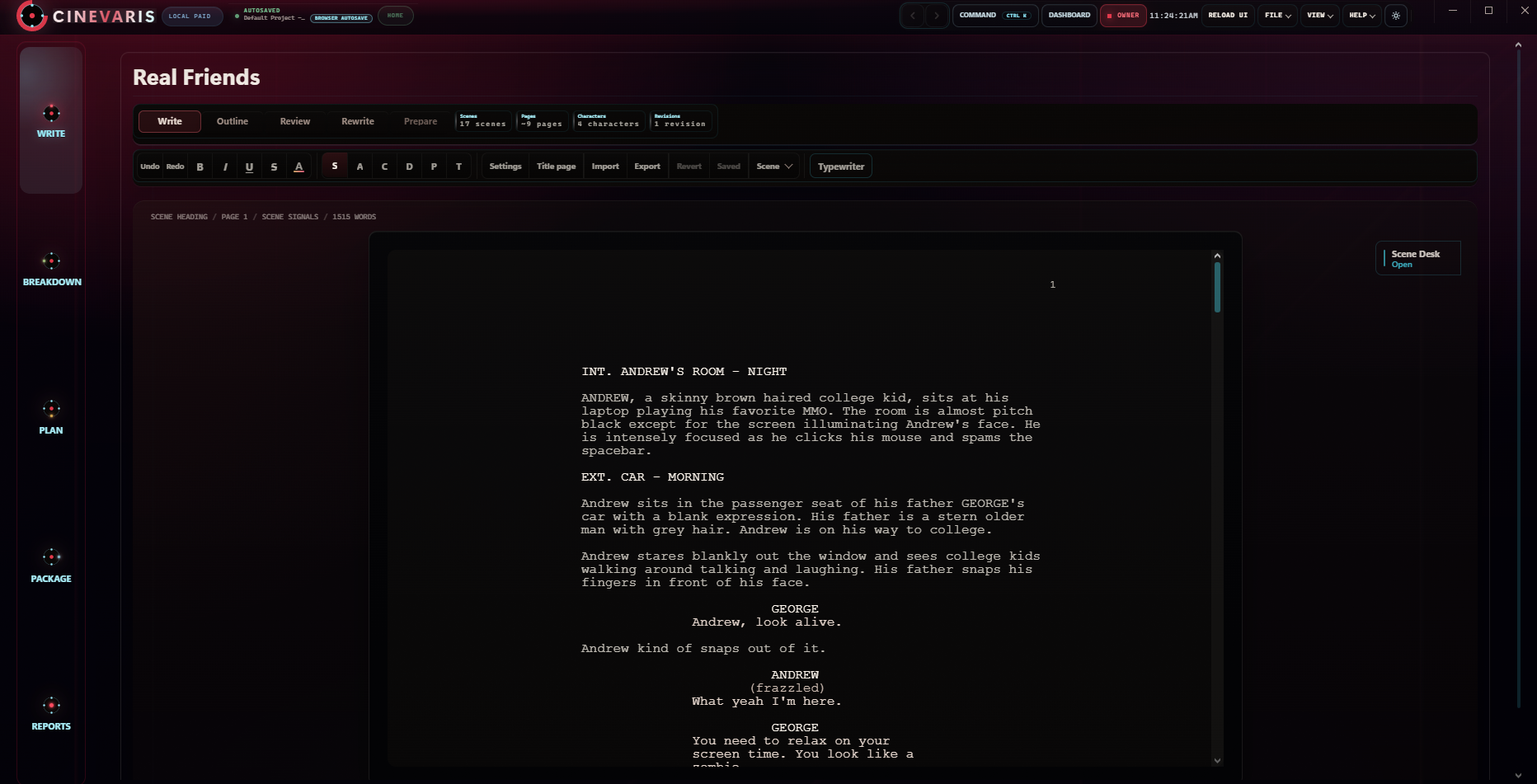
| Import in Write | Choose Import and select the file. Check the file name and scene count; open Review details for scene headings and Conversion notes. Choose Import and start writing for an empty draft, or Replace screenplay to replace the current draft. Cancel leaves the draft unchanged. |
| Read one scene | Compare its action, dialogue, character names, parentheticals, and scene number with the original. Check the title page and the first and last scenes too. |
| Plan something small | Open that scene in Breakdown and add a detail you need. In Plan, create a shoot day and add a shot in Shots. Check the scene assignments yourself. |
| Export a copy | Use Export in Write for an editable FDX or Fountain copy, or a readable PDF. Review your pages in Print and PDF before Export PDF. Open the downloaded file in a compatible reader or writing app. |
| Return to the project | Wait for saving to finish, reopen the project, and check your draft and shot. Keep independent exports before deciding to move the rest of your work. |
Importing replaces the current screenplay; it does not create a new project. Existing planning lists are not rewritten to match it. Check scene assignments before sharing a call sheet. If you need to go back immediately, Undo import is available until you continue working; it is not a substitute for your original copy.
To share production material, select it in Package and preview it in Reports. Export PDF or Markdown documents for your crew. These are copies, not a live shared editing session, and they will not update after you send them.
If the imported draft looks wrong
Do not overwrite your only copy. Check the import review before applying changes. If a PDF has missing text or incorrect paragraph types, export FDX or Fountain from your writing app when available and try that copy instead. Image-only scans need text conversion first; that conversion can introduce errors too.
Before relying on the new project, check a dialogue-heavy scene, a scene heading, and any unusual formatting against the original. Reopen an exported copy in another reader. If it still does not match, keep working from the original and contact support with the file format and what changed; do not send private screenplay material unless you choose to.
Keep pre-production in one project.
Cinevaris keeps the script, scene notes, shots, shoot days, and documents together while you decide how the film should be made.