Production checklist
Give each task a person and a deadline. Mark it Not started, Waiting or Done.
- Project
- Shoot date
- Updated
| Task | Person | Due | Status | Notes |
|---|---|---|---|---|
| Before the shoot | ||||
| Confirm the script revision and scene list | Not started | |||
| Break down the scenes being filmed | Not started | |||
| Confirm cast availability | Not started | |||
| Confirm location permission and access hours | Not started | |||
| Check quotes and booking commitments | Not started | |||
| Allow for setup, travel, meals and pack-down | Not started | |||
| Confirm equipment, props and wardrobe | Not started | |||
| Check calls, addresses and contacts | Not started | |||
| Send the current call sheet to cast and crew | Not started | |||
| On the day | ||||
| Review site-specific safety arrangements | Not started | |||
| Record coverage, continuity and pickups | Not started | |||
| After wrapping | ||||
| Verify media copies before reusing cards | Not started | |||
| Confirm the editor received media and notes | Not started | |||
How to fill it in
Not started means work remains. Waiting means you need a reply or something else to happen. Done means the task is complete.
For bookings or permissions, record who confirmed them and when. A sent message alone is not a confirmed booking.
Remove tasks that do not apply and add the checks your production needs. The CSV includes a Stage column so the groups stay identifiable when sorted.
Copy gives you tab-separated rows to paste into a document or spreadsheet. The workbook includes project details and notes; CSV contains the table only. This preview is for copying or printing; it does not save entries. Blank table previews show four rows; print or download for the full sheet.
Before the shoot
Review these items before confirming the shoot. Record any missing information and who will follow up.
Using this worksheet on a shoot
Before committing money or dates
Choose the current script revision, make a scene breakdown, and check the cast and locations each scene requires. Record who will confirm availability, access and quotes. An estimate or an unanswered message is still an open item.
Compare expensive or uncertain choices with the low-budget planning worksheet before booking. Give each unresolved item an owner and a date to check it again.
Before sending the call sheet
Check the shooting schedule against confirmed availability, location access, travel and setup time. Confirm addresses and contact details with the people using them. Keep unanswered questions out of fields that look final.
Review the call sheet with the person coordinating the day. Check calls, arrival instructions, scene order, equipment and food arrangements, then share the current version with the intended recipients.
On the shooting day
Check the planned coverage with the director and camera team. Agree who records completed shots, continuity notes, sound notes and pickups. If a location or person becomes unavailable, review the alternative before changing the order and tell everyone affected.
Before wrap and handoff
Record missing coverage and any follow-up work. Agree who copies and checks the media, where the copies are kept, and who confirms receipt before cards are reused. Send the editor the current script, relevant continuity and sound notes, and a clear list of known gaps.
What counts as checked?
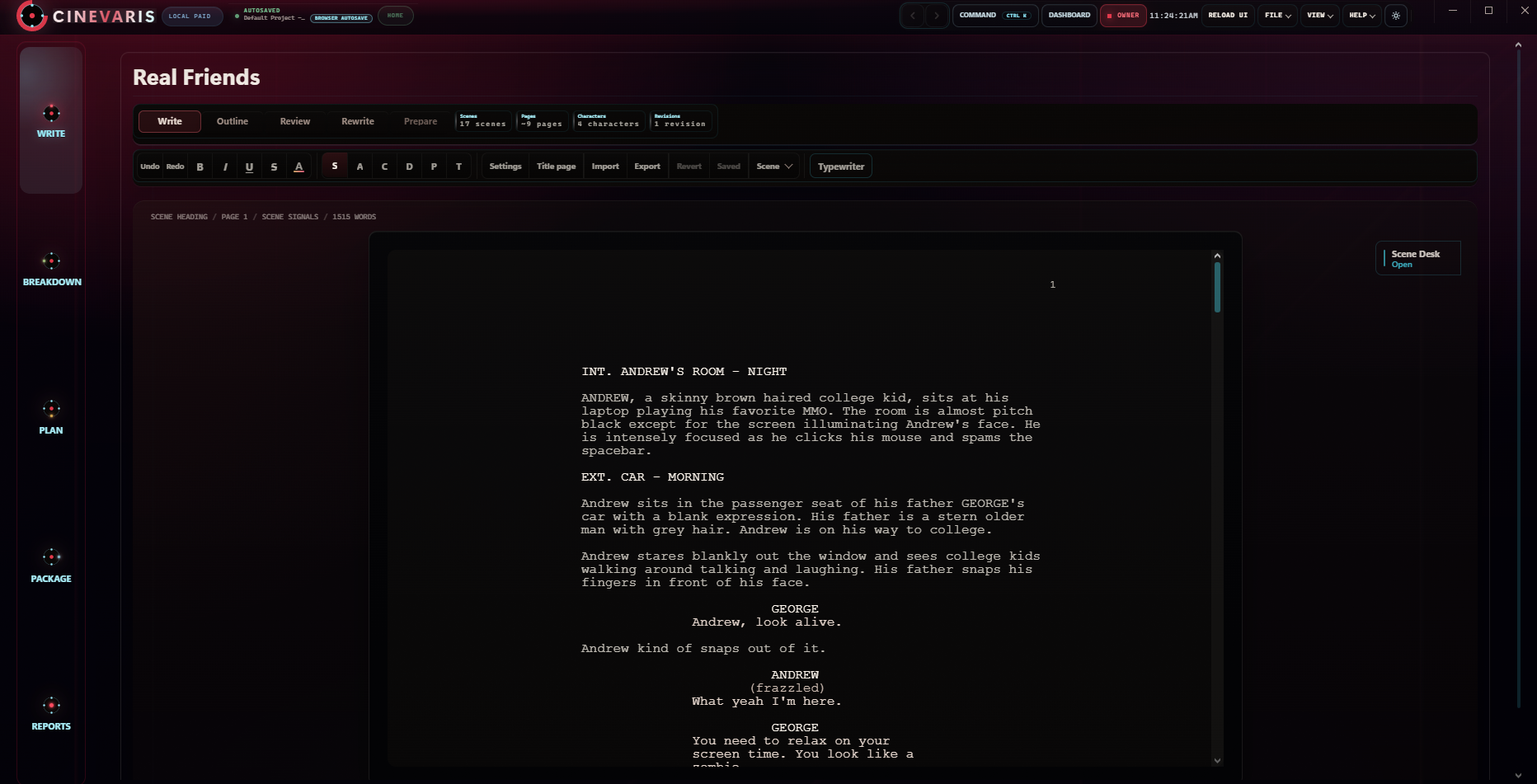
Use three plain statuses: open, waiting for confirmation, and confirmed. Add the responsible person, the confirmation or document, and when it was checked. For example, a Real Friends room scene might have a known story location while permission to film in a particular room is still open. That is a planning example, not a booking.
This checklist organizes follow-up; it does not certify a production as safe or supply location-specific permissions or professional assessments.
Keep the checklist with the project.
Cinevaris keeps the screenplay, scene notes, shots, shoot days, and documents close while you shape the production around your film.