Compare the workflow
Cinevaris is for one creator organizing the script, scene details, shots, shoot days, and documents. StudioBinder also connects writing and planning, with shared project pages and teammate permissions. Connected workspaces alone are not a reason to switch.
Published by Cinevaris. Reviewed . StudioBinder details below come from its official documentation, not a hands-on benchmark. Check current plan availability before buying.
Working with other people
Cinevaris lets you select material in Package and export documents in Reports to send to your crew. It does not offer live multi-user editing or shared-page commenting. Exported documents do not update when you change the project.
StudioBinder documents invitations to specific pages, with viewing and commenting access, plus project access for teammates. If your crew needs to work inside the same online project, that is a reason to consider StudioBinder. See its page-sharing guide and teammate guide.
Bringing a screenplay
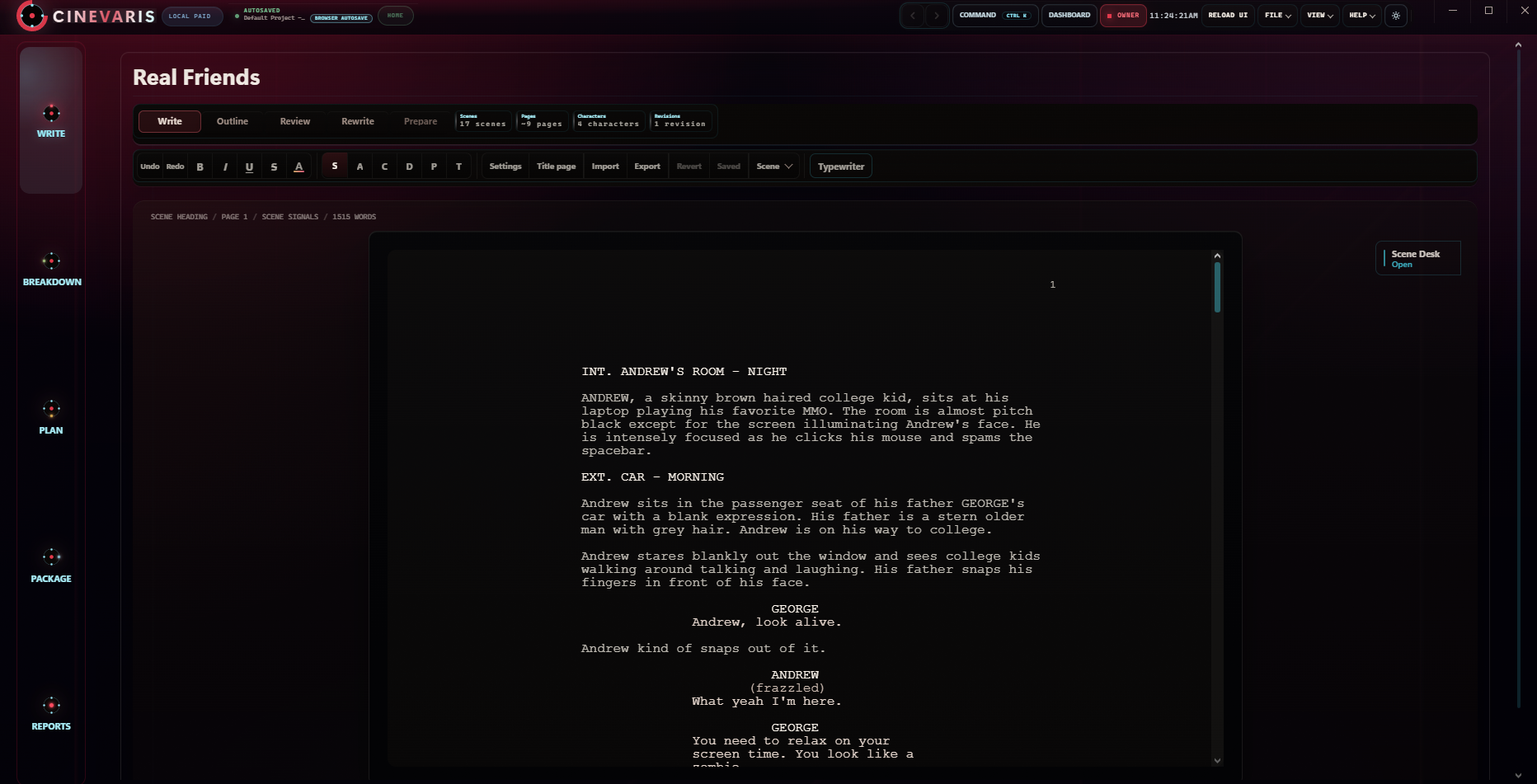
Cinevaris accepts FDX, Fountain, plain text, and text-based PDF screenplays. Review the detected scenes and conversion notes before applying an import. It is a screenplay transfer, not a transfer of another tool's entire project, tagged breakdown, contacts, or schedule.
StudioBinder also documents FDX, Fountain, and PDF imports. Its screenplay download guide describes PDF export. If that is the copy you bring to Cinevaris, check the rebuilt formatting carefully; PDF is not an editable-project exchange format. See StudioBinder's import guide and PDF download guide.
Planning images and shots
Cinevaris has shot lists and shoot-day planning. It is not a full storyboarding suite. StudioBinder documents storyboard creation from imported scripts; if storyboards are central to your work, compare that workflow before moving. See its storyboard guide.
When Cinevaris makes sense
If you mainly need shared online reviews or a storyboard workspace, the differences above matter more than a long feature list. If you plan independently and send finished documents to your crew, compare the time it takes to make one useful call sheet in each app.
Try Cinevaris if you do most of the planning yourself and want to move between writing, scene details, shots, and crew documents in one browser app. Full Access is $20/month for one creator. The pricing page explains the card-required trial, cancellation, and current availability.
If your existing tool already fits your crew and saves you work, there is no need to move everything. Try a copy of one screenplay first and compare the documents you would actually send to someone.
Watch the 45-second demo before signing up. It shows an actual Cinevaris workflow, not a comparison benchmark.
Compare with one scene, not your whole production
Keep the original project. In a separate Cinevaris project, import a copy of the screenplay and check the scene headings, dialogue, and page breaks. Add a shot, prepare one shoot day, and export a call sheet. Open that document outside Cinevaris and ask whether you would send it to your crew.
If that small test creates more work than it saves, keep your current setup. If it fits, use the screenplay transfer checklist before moving another draft. The free shot list and call sheet templates are also usable without changing apps.
Try your draft before moving the project.
Keep your original files. Bring a copy into Cinevaris, check one scene, and make an export you can open elsewhere.